KPEX · Cost Intelligence · CAF Corporation
Technology: Oil & Gas — Upstream & Offshore
Family: RCD · Regional Cost Dossier
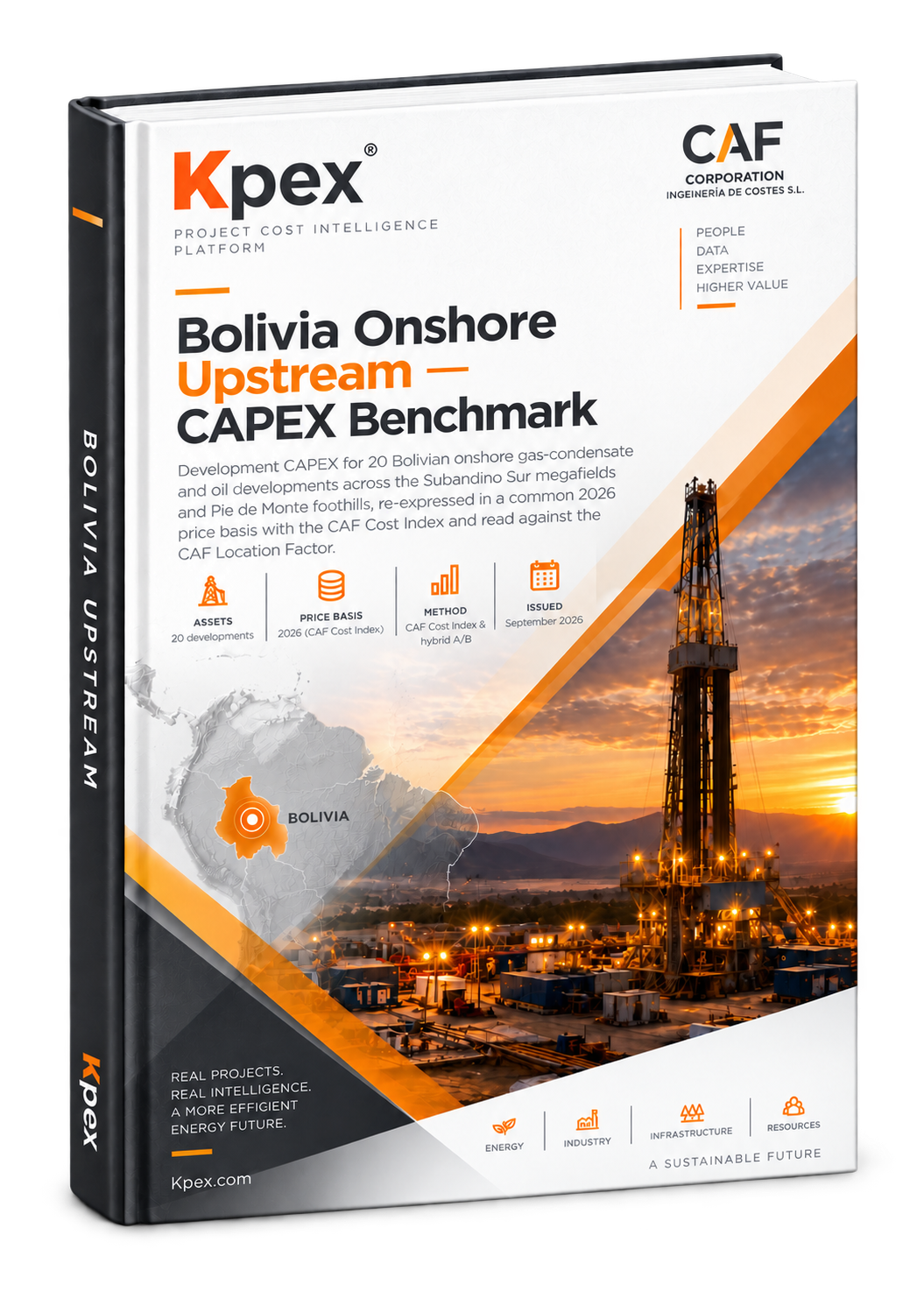
TITLE: Bolivia Upstream — CAPEX Benchmark
SUBTITLE: Development CAPEX for 20 Bolivian onshore gas-condensate and oil developments across the Subandino Sur megafields and the Pie de Monte — a hybrid A/B benchmark (documented + reconstructed) normalized with the CAF Cost Index.
Facts row: 40 developments · 2026 (CAF Cost Index) · Class 5 · AACE · Sept 2026
What's inside
Table of contents — 9 chapters
1Executive summary
2How the number is built
3Location Factor — Bolivia
4The benchmark
5Asset map — by basin
6CAPEX by functional unit
7The 20 developments
8Field profiles
9Data quality, referential fields & sources
Figures & charts — 4
▸CAPEX by basin (US$B, 2026)
▸CAF Plant Cost Index (Kpex Z.5) — annual
▸Unit CAPEX (US$/boe, 2026) — P10 / P50 / P90
▸Benchmark cost curve (log-log, with project points)
Tables — 7
▪Table 1 — Bolivia location-factor drivers (Kpex Z.4): institutional and infrastructure drivers with source, rating, percentile and factor.
▪Table 2 — CAPEX by producing basin (2026 basis): number of fields, aggregate development CAPEX and recoverable reserves.
▪Table 3 — CAPEX by operator (2026 basis).
▪Table 4 — Portfolio CAPEX by functional unit (indicative Kpex allocation, DRAFT).
▪Table 5 — Asset register: the 20 benchmark developments with basin, operator, fluid, recoverable reserves, escalated CAPEX, unit CAPEX and data grades.
▪Table 6 — Referential fields held outside the fit, with the reason.
▪Table 7 — Principal sources.
What you get
📄 Branded PDF · A3🎯 AACE Class 5 screening benchmark📈 Live CAPEX·OPEX·ABEX lifecycle costing⚡ Immediate download after payment🔒 Proprietary — single-recipient licence
Monday to Friday · 9:00–18:00 (CET). We answer email within 1 business day.
Hi! How can we help?
Choose your planPractitioner or Professional: both start with a 14-day free trial (your card is registered and the first charge comes when the trial ends; cancel any time before). Enterprise: press "Contact" and we will call you.
Create your accountFull name, a CORPORATE email (your company address; Gmail, Outlook or Yahoo are not accepted) and a password of at least 8 characters with upper-case, lower-case and a number. Accept the Terms.
Verify your emailWe send a 6-digit code. If it does not arrive within 2 minutes, check spam and press "Resend code".
Add your card on StripeReview the summary and confirm. Nothing is charged today: your 14-day trial starts, the account is active when you return and you receive the welcome email.
Log inGo to Login with your email and password. If you forgot it, use "Reset password".
Stuck at any step? Write to us with your name, company and email and we will register you ourselves. Write to us →
Common problems
Free accounts are now activated instantly. If you registered before this change and still see that message, write to us below with the email you registered with and we will activate it right away.
Kpex requires a corporate (company) email to register. If you are an independent professional or your company has no own domain, write to us below and we will set up your account manually.
Check your spam / junk folder and wait 2 minutes. You can request a new code with "Resend code". If your corporate email has strict filters, ask your IT team to allow emails from caf-corporation.com. If it still does not arrive, write to us.
Use Reset password and we will email you a link to create a new one. Passwords need at least 8 characters with upper-case, lower-case and numbers. If you see "Invalid credentials", check the email is spelled correctly.
Nothing is charged during the 14-day trial; the first charge comes when it ends. If the checkout page closed or failed, there was no charge: go back to Register with the same email and resume. If you see a charge without access, write to us with the date and amount.
Practitioner and Professional start with a 14-day free trial; the first charge comes when the trial ends and you can cancel before. Compare what each includes on Pricing. For teams or Enterprise, write to us.
Go to AACE Estimates → New estimate, pick the class (5 to 2), the facility type and the country. For a quick order of magnitude use Benchmarks → Cost Curves. The in-app navigation guide explains each step.
Every benchmark and estimator has the Metric ⇄ Imperial switch, the country (applies the CAF Location Factor) and the escalation year (Kpex Cost Index). Base values are in USD, normalised to the US Gulf Coast.
Allow pop-ups and downloads for caf-corporation.com in your browser and try again. Large reports can take up to 30 seconds. If it fails, write to us with the page.
Your plan and details are in My account. To change plan, get an invoice or cancel, write to us and we handle it the same business day.
We use strictly necessary cookies to run the website and your session. With your consent we would also use analytics and campaign-attribution cookies to understand how visitors find and use Kpex. Nothing optional is set unless you accept.
Cookie Policy